Loading Article Title...

Web Architect & Digital Strategist at Techno Alig. Passionate about building high-performance websites, e-commerce platforms, and data-driven SEO strategies for growing businesses.
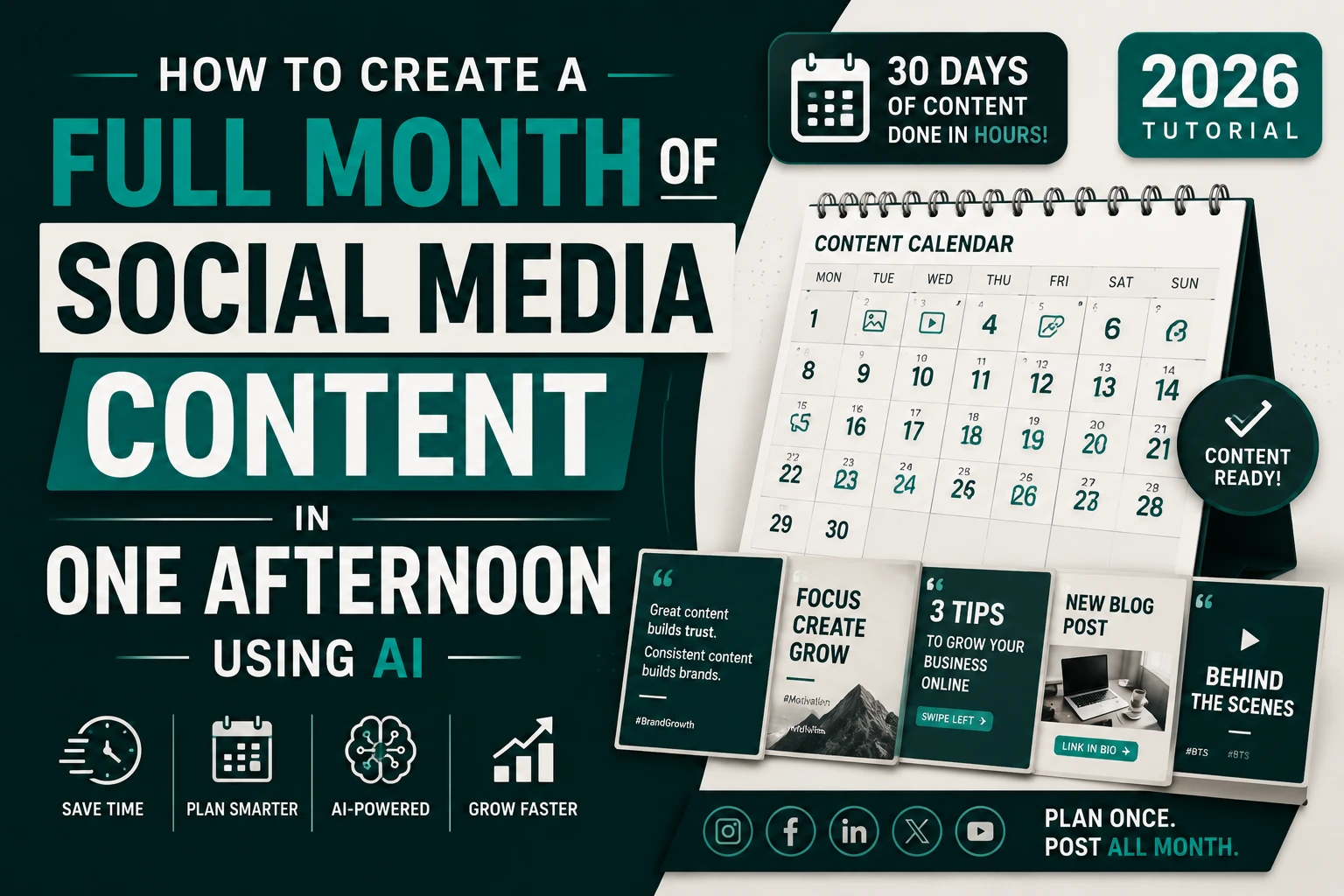
The number one reason Indian businesses stop posting on social media isn’t lack of ideas. It’s time.
You’re running a business. You have clients, deliveries, calls, and a thousand other things that matter more in the moment than filming a Reel or writing an Instagram caption. So posting falls to the end of the week, then the end of the month, then not at all.
This tutorial solves that problem permanently.
By following these steps, you’ll create a complete month of social media content — 30 days of Instagram posts, Reels scripts, LinkedIn content, and WhatsApp broadcasts — in a single 3–4 hour afternoon. All using AI tools, most of them free.
What you’ll build:
Tools used:
The biggest mistake when using AI for social media is using it without defining your brand voice first. Every post ends up sounding like a different business.
Open Claude (any version — free is fine for this step)
🎯 PROMPT 0 — Brand Voice Document:
Help me create a brand voice document for my social
media content. I’ll use this to brief AI tools
consistently across all content.
My business: [Your business name and type]
Location: [City, India]
Services/Products: [List your main offerings]
Target audience: [Who you serve — age, type, location]
Personality in 5 words: [e.g., Honest, Warm, Expert,
Direct, Relatable]
Create:
1. BRAND VOICE — 3 sentences describing how we speak
2. TONE SPECTRUM — Formal to casual scale (where do we sit?)
3. CONTENT PILLARS — 5 themes we always post about
4. WHAT WE NEVER DO — 5 social media behaviours we avoid
5. SAMPLE VOCABULARY — 10 words we use, 10 we don’t
6. OUR SIGNATURE FORMAT — The 1 type of post our audience
loves most (based on the business type I’ve described)
Make this specific and opinionated — not generic.
I should be able to hand this to any writer or AI
and get content that sounds like us.
Save this document. You’ll paste it at the start of every future AI content session. This single step is what separates professional AI-generated content from generic AI content.
Before writing a single post, find out what’s actually resonating with audiences right now. Grok is the only free AI with real-time X/Twitter data — making it the perfect trend research tool.
Open Grok (grok.com or X app) — free for basic use
🎯 PROMPT 1 — Trend Research:
I manage social media for a web development agency
in Aligarh, India. I’m planning content for the
coming month.
Research and tell me:
1. TRENDING TOPICS right now in India that relate to:
– Small business growth
– Digital marketing
– Technology for businesses
– Website and online presence
(Search current X/Twitter discussions and news)
2. UPCOMING EVENTS in the next 30 days that Indian
businesses care about:
– Festivals or holidays (check Indian calendar)
– Industry events
– National days relevant to business/tech
3. CONTENT FORMATS performing best on Indian Instagram
right now — what type of posts/Reels are getting
high engagement this week?
4. 5 SPECIFIC HOOKS that are working in Indian
business content right now
(Examples: “Nobody talks about this but…”,
“3 years ago I learned the hard way that…”)
Give me current data with sources where possible.
What Grok gives you: Real trending topics, festival dates to plan around, and hooks that are performing well right now — not last quarter. This makes your content feel timely rather than evergreen-generic.
Save the output — you’ll incorporate the festivals, trending topics, and hooks into your content calendar.
Now switch to Claude Fable 5 with your brand voice document and Grok research ready.
Open Claude Fable 5 → Your brand Project
🎯 PROMPT 2 — Content Calendar:
I’m creating a 30-day social media content calendar.
Here’s my brand voice document:
[PASTE YOUR BRAND VOICE DOCUMENT]
Here’s the trend research from Grok:
[PASTE YOUR GROK RESEARCH]
Build a complete 30-day content calendar across 3 platforms.
POSTING SCHEDULE:
– Instagram: 5 posts per week (Mon/Tue/Wed/Fri/Sat)
Mix: 3 static posts + 1 Reel + 1 Story series
– LinkedIn: 2 posts per week (Tuesday and Thursday)
– WhatsApp Broadcast: 1 per week (Friday morning)
CONTENT MIX (apply across 30 days):
– Educational tips (35%) — teach something useful
– Behind the scenes (20%) — show real work
– Social proof (15%) — client results, testimonials
– Engagement (15%) — questions, polls, debates
– Promotional (10%) — our services and offers
– Topical/trend (5%) — tied to current events
For each day provide:
– Platform
– Content type (static, Reel, carousel, text, broadcast)
– Topic (specific, not vague — e.g. “3 signs your
WordPress site needs a speed fix” not “website tips”)
– Hook (first line that stops the scroll)
– Festival/event tie-in if applicable
Format as a table: Date | Platform | Type | Topic | Hook
Incorporate the trending topics and festivals from
the Grok research into the relevant dates.
Review the calendar. Reorder anything that feels off — maybe a promotional post landed on a festival day (reschedule it), or two similar topics are consecutive (space them out). Fable 5 does 90% of the work; you apply human judgment for the final 10%.
With the calendar built, ask Fable 5 to write all 20 Instagram captions in one session. This is where Fable 5’s endurance matters — it maintains quality and voice consistency across 20 consecutive pieces.
🎯 PROMPT 3 — Batch Instagram Captions:
Write all 20 Instagram post captions for our
30-day calendar.
Brand voice reminder:
[PASTE YOUR BRAND VOICE DOCUMENT]
For each caption:
– Hook (first line — stop-the-scroll, under 10 words)
– Body (the value/story, 80-120 words)
– CTA (one clear action — comment, DM, link in bio, save)
– Hashtags (8-12 — mix of niche, local, broad)
SPECIFIC REQUIREMENTS:
✅ Every hook must be different in style
(question / bold statement / statistic /
story opener / myth bust — rotate through)
✅ No caption can start with “Are you” or “In today’s”
✅ Include our location “Aligarh” or “India” naturally
in at least 6 of the 20 captions
✅ 4 captions should be bilingual
(mix Hindi + English naturally — Hinglish style)
✅ 3 captions should reference specific ₹ amounts
(make the value concrete)
Number each caption by day (Day 1, Day 2, etc.)
matching our calendar.
After writing all 20, identify the 3 strongest
captions and explain why. Then identify the 2
weakest and rewrite them.
That final self-evaluation instruction — identify weak captions and rewrite them — is Fable 5 quality control in action. You get better output without additional prompting from you.
Reels scripts are different from captions — they’re spoken words with timing cues. Claude is excellent at this format.
🎯 PROMPT 4 — Reels Scripts:
Write 8 Instagram Reels scripts based on the Reel
topics in our content calendar.
Format for each script:
[HOOK — 0:00–0:03] — What you say/show in first 3 seconds
[CONTENT — 0:03–0:25] — Main value, broken into 4–5 beats
[CTA — 0:25–0:30] — Call to action
Requirements:
✅ Each script must be exactly 30 seconds when
read at a natural pace (test this yourself)
✅ Written for verbal delivery — how people SPEAK,
not how they write
✅ Include [B-ROLL SUGGESTION] for each beat —
what to film while this line plays
✅ Include [TEXT OVERLAY] for each key point —
what to show on screen as a caption
✅ 2 scripts should be in Hindi/Hinglish
✅ Each script should be completeable with just
a smartphone — no studio equipment
Topics (from our calendar):
1. “3 signs your website is losing you customers”
2. “We built this website in 7 days — here’s how”
3. “Why 90% of Indian businesses get Instagram wrong”
4. “What ₹15,000 gets you in a website in 2026”
5. “The WhatsApp mistake killing your business leads”
6. “Before and after: coaching centre website”
7. “Stop using Canva for this” (make a counterintuitive point)
8. “How we increased a client’s enquiries by 40%”
After writing all 8, tell me which 2 have the
highest viral potential and why.
LinkedIn requires a completely different tone — more professional, more narrative, more thought-leadership.
🎯 PROMPT 5 — LinkedIn Posts:
Write 8 LinkedIn posts for the month.
LinkedIn tone for our brand:
– More reflective and narrative than Instagram
– Shares genuine lessons and business insights
– Not motivational poster quotes — real stories
with specific details
– Professional but not stiff — we have a personality
POST FORMATS (use each at least once):
1. Story post — personal narrative with a business lesson
2. Contrarian take — challenge a common belief in our industry
3. Case study — specific client result with numbers
4. Framework post — “3-step process to [outcome]”
5. Question post — genuine question that sparks debate
6. List post — “5 things [target audience] needs to know”
For each post:
– Opening line (hook — no one says “I’m excited to share”)
– Body (150-300 words)
– Closing insight or question
– 3-5 hashtags (professional, not trendy)
Make the opening lines of these posts unlike any
LinkedIn post our audience has seen before this week.
After writing all 8, flag any that feel generic
and rewrite the opening.
🎯 PROMPT 6 — WhatsApp Broadcasts:
Write 4 WhatsApp broadcast messages for the month
(one per week, sent Friday mornings).
WhatsApp tone: Personal, direct, like a message from
a trusted contact — not a promotional blast.
Structure for each message:
– Personal greeting (2 lines — no “Dear Customer”)
– One genuinely useful tip or insight (3–5 lines)
– Soft mention of how we can help if relevant (1 line)
– Easy response prompt (“Reply YES if you found this useful”)
– Sign-off with our name/team name
MESSAGE TOPICS:
Week 1: Share a quick website tip most businesses
don’t know (keep it actionable in 5 minutes)
Week 2: One thing we learned from a recent client
project (make it human and specific)
Week 3: Festival message + business tie-in
(use the relevant upcoming Indian festival)
Week 4: End-of-month reflection — what’s one thing
business owners should focus on next month?
Each message: Under 150 words.
WhatsApp has no formatting (bold, italic won’t render) —
write in plain text only. Use emojis strategically
(1–3 maximum per message).
With all copy written, move to Canva for the visual side. You’ll create 4 reusable templates — then use them across the full month.
Open Canva → Your Brand Kit (set up your brand colours and fonts first)
🎯 PROMPT 7 — Canva AI Template Generation:
For each of these 4 template types, use Canva’s AI Generate feature (the magic wand button):
Template 1 — Educational Tip Post:
Instagram post 1080×1080px.
Background: Deep navy [YOUR HEX].
Bold tip text center stage — large, readable at
small size. Accent line in [YOUR ACCENT COLOUR].
Logo top-left, website bottom-right.
Clean, minimal. Space for 1–2 lines of tip text.
Template 2 — Quote/Statement Post:
Instagram post 1080×1080px.
Bold single statement takes up 70% of the canvas.
[BRAND COLOUR] with subtle texture or geometric element.
Author credit or brand name bottom-right.
Template 3 — Before/After Post:
Instagram post 1080×1080px. Split layout.
Left: “Before” label with muted/faded area for image.
Right: “After” label with bright, vivid area for image.
Diagonal divider or clean vertical split.
[BRAND COLOUR] accents on labels.
Template 4 — Stats/Data Post:
Instagram post 1080×1080px.
Large number center (e.g. “40%”) in [ACCENT COLOUR].
Context label above, explanation below.
Clean, data-viz aesthetic. One insight per post.
How to use these 4 templates: Every Instagram post this month uses one of these 4 templates — just swap the text. Design is done once; you use it 20 times. This is the efficiency lever that makes monthly content creation sustainable.
Duplicate each template 5 times and fill in the copy from your Claude-generated captions. Done.
The real goal isn’t just this month’s content — it’s building a system so next month takes 1 hour, not 4.
Back in Claude Fable 5:
🎯 PROMPT 8 — Content System:
Based on everything we’ve created together this
afternoon, build me a reusable monthly content
system document.
Include:
1. MONTHLY WORKFLOW CHECKLIST — step-by-step
process I follow every month to repeat this
(with estimated time for each step)
2. EVERGREEN CONTENT BANK — 30 topic ideas
that remain relevant every month regardless
of season (so I always have topics ready)
3. CAPTION FORMULAS — 5 reusable caption
structures I can apply to any topic
(like a fill-in-the-blank framework)
4. HASHTAG SETS — 3 saved hashtag groups
(Educational content / Local business /
Promotional) ready to paste
5. REELS SCRIPT TEMPLATE — a reusable
30-second script skeleton I can fill in
for any topic
6. PERFORMANCE TRACKING TABLE — columns I
should track for each post to know what’s
working (what to look at monthly before
planning next month)
Format this as a repeatable operating system.
Next month I should be able to open this doc,
follow the checklist, and be done in 90 minutes.
| Deliverable | Tool | Time |
| Brand voice document | Claude | 15 min |
| Trend research | Grok | 20 min |
| 30-day content calendar | Claude Fable 5 | 20 min |
| 20 Instagram captions | Claude Fable 5 | 30 min |
| 8 Reels scripts | Claude Fable 5 | 20 min |
| 8 LinkedIn posts | Claude Fable 5 | 15 min |
| 4 WhatsApp broadcasts | Claude Fable 5 | 10 min |
| 4 Canva templates | Canva AI | 45 min |
| Reusable content system | Claude Fable 5 | 15 min |
| Total | ~3.5 hours |
Total cost: Claude Pro ₹1,700/month + Canva free. Everything else free.
What an agency would charge for this: ₹15,000–₹40,000/month for social media management.
This tutorial gives you the content. The discipline of actually posting it, responding to comments, and iterating based on what performs — that’s still on you.
AI creates the content system. Humans run it.
If you find you want professional social media management without doing this yourself — our team at Techno Alig handles the entire workflow for Indian businesses, using this exact AI-powered system alongside human creative direction and community management.
Talk to us about social media management →
How long does it take to create a month of social media content with AI? Using the workflow in this tutorial — Claude Fable 5, Canva AI, and Grok — a complete 30-day social media content package (calendar, captions, Reels scripts, LinkedIn posts, WhatsApp broadcasts, and Canva templates) takes approximately 3.5 hours in a single session. After setting up the reusable system, subsequent months take 60–90 minutes.
Can I use free AI tools for this tutorial? Yes, partially. Grok and basic Canva are free. Claude (for the caption and script writing) requires the Pro plan (₹1,700/month) for Fable 5 access. The free Claude tier can handle some of this work but with daily message limits. Canva’s free tier provides sufficient functionality for creating the 4 social media templates.
Will AI-generated social media content perform as well as human-written content? AI-generated content performs as well as or better than manually-written content when: the prompts are specific and include genuine brand context, the outputs are reviewed and lightly edited by a human, and the content is combined with real behind-the-scenes footage (photos and videos of your actual work, team, and clients). Generic AI prompts produce generic results. The tutorial prompts in this article are designed to avoid that.
How do I make sure AI captions don’t sound robotic? Three techniques from this tutorial: include specific Indian rupee amounts and local place names (Aligarh, UP), require Hinglish output for some posts (naturally mixing Hindi and English), and ask Claude to self-evaluate for “AI-sounding patterns” and rewrite those sections. The brand voice document is the most important element — without it, even great prompts produce generic-sounding output.
Is this workflow suitable for businesses that are new to social media? Yes. This tutorial is designed for complete beginners. The brand voice step creates the foundation; the Grok trend research removes the “I don’t know what to post” paralysis; and the batch creation approach means you’re not making daily decisions about content. Start with Instagram and WhatsApp only, then add LinkedIn once the first two platforms are running consistently.

If you’re looking for a reliable Web Developer in Aligarh, look no further than Techno Alig. Contact us today to discuss your project and take the first step towards establishing a powerful online presence.


No spam, notifications only about new offers, services.
chat_bubble_outline Leave a Reply