Loading Article Title...

🍪 We use cookies to make sure you get the sweetest experience on our website — smooth, secure, and perfectly tailored just for you! 💫✨

Web Architect & Digital Strategist at Techno Alig. Passionate about building high-performance websites, e-commerce platforms, and data-driven SEO strategies for growing businesses.
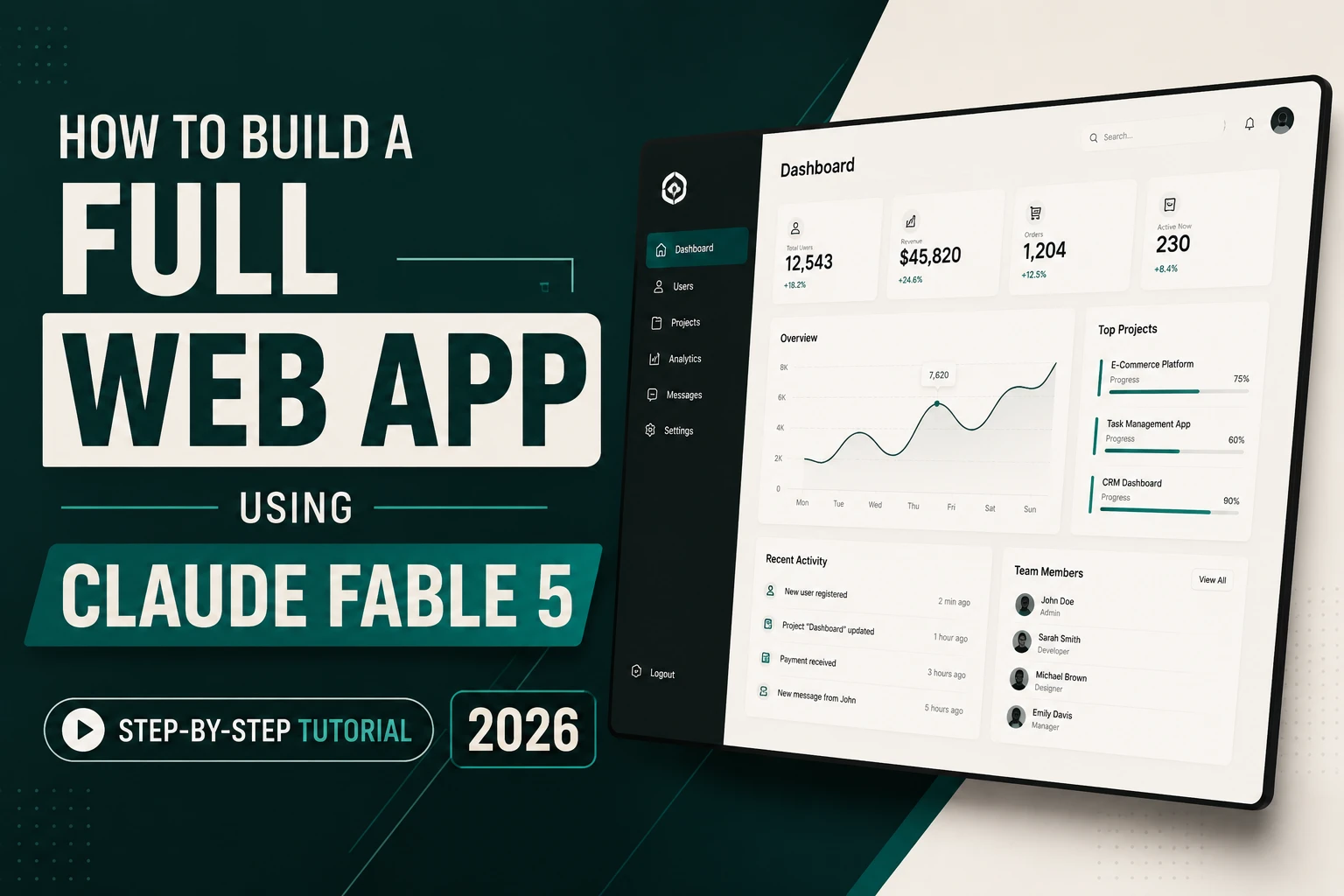
Most AI tools are impressive for simple tasks. Generate a headline. Fix a bug. Summarise a document.
Claude Fable 5 is different in kind, not just degree.
Claude Fable 5 is Anthropic’s most capable model for ambitious coding projects, including large migrations, complex implementations, and multi-day autonomous sessions. It can write its own tests to check its work, implement designs with high fidelity, and use vision to check outputs against goals.
This tutorial builds something real: a Client Project Tracker web app that a freelancer, small agency, or business owner can actually use — with a dashboard, project cards, status tracking, client details, and a deadline view. We’ll build it using Claude Fable 5, step by step, with the exact prompts to use at each stage.
No prior coding experience needed. By the end, you’ll have a working, deployable web application.
Claude Fable 5 is Anthropic’s most capable widely released model, aimed at work that goes on for a while: long reasoning chains, agentic coding, and research tasks that span a lot of context. Most teams do not need a model that sounds good in a demo. They need one that can hold the thread, follow instructions, and keep going when the task gets messy. Fable 5 is designed to meet these exact demands.
Launched June 9, 2026, Fable 5 is the first publicly available “Mythos-class” AI from Anthropic. It is built for long-horizon reasoning, autonomous execution, and multi-step project management — not just single prompts.
For building web apps specifically: Claude Fable 5 came out #1 on internal evals, winning head-to-head against every model tested. It was significantly stronger on the hardest tasks — UI design and game coding. It is much deeper and better at one-shotting full apps, and its tool calling is excellent.
What you need to access Claude Fable 5:
App Name: ProTrack — Client Project Dashboard
What it does:
Tech stack Fable 5 will choose: We’ll let Fable 5 recommend and build the stack. (This is where it shines — making architectural decisions, not just writing code we specify.)
Don’t start by asking for code. Start with a conversation. This is the most important mindset shift when using a model as capable as Fable 5.
Open Claude Fable 5 at claude.ai → New Chat → Select “Claude Fable 5”
🎯 PROMPT 1 — Project Brief:
I want to build a Client Project Tracker web application for a
small web development agency (3-5 people team, 10-30 active
projects at any time).
Here’s what the app needs to do:
– Dashboard showing all projects with status at a glance
– Add, edit, and delete projects
– Each project has: Client name, project name, description,
start date, deadline, status (Draft/In Progress/Review/
Completed/Overdue), budget (₹), amount received,
assigned team member
– Filter and search projects
– A separate “Client Directory” section with client contact details
– A simple “Revenue” summary (total billed, received, outstanding)
– Mobile responsive — team members use it on phones
Before writing any code, I want you to:
1. Recommend the best tech stack for this (consider: easy to
deploy, no complex backend needed, works offline if possible)
2. Outline the full project structure
3. Identify any decisions I need to make before you start
4. Estimate how many code files this will require
Think through this carefully. I want your expert recommendation,
not the first thing that comes to mind.
What Fable 5 will do: It won’t just answer — it will reason through the options. It will likely recommend a React frontend with localStorage for data persistence (simple, no backend server needed), or suggest a Next.js app if we want server-side data. It will outline every file needed, ask clarifying questions, and present a build plan.
This is Fable 5’s core strength: It does best when the task is long, messy, and multi-step. It can keep going across large codebases, reason over documents and charts, and stay a bit steadier when the inputs are uncertain.
Read the response carefully. Agree with the recommended stack or provide feedback. Then move to Phase 2.
After agreeing on the architecture (for this tutorial, we’ll use vanilla HTML + CSS + JavaScript with localStorage — zero dependencies, works in any browser, no server needed):
🎯 PROMPT 2 — Foundation Build:
Let’s start building. Use the tech stack we agreed on:
– Single HTML file with embedded CSS and JavaScript
– localStorage for data persistence (no backend server)
– Navy and white color scheme (#0d1b3e primary, #3b82f6 accent)
– Clean, professional dashboard aesthetic — similar to a
modern project management tool
Build Phase 1: The core file structure and data model.
Create:
1. The main index.html with full CSS design system
(variables, typography, components)
2. The JavaScript data model — how projects and clients
will be stored and retrieved from localStorage
3. The navigation sidebar with sections: Dashboard,
Projects, Clients, Revenue
4. Empty placeholder content areas for each section
Make sure the CSS is comprehensive — I want the design
to look professional from the first render, not plain HTML.
After building this, write your own test to verify the
localStorage read/write is working correctly, then show
me the test result.
The key instruction at the end: “write your own test to verify.” Claude Fable 5 can write its own tests to check its work. This is a Fable 5 capability that lower models don’t have — it verifies its own output rather than handing you untested code.
What you receive: A complete, styled HTML file with your navigation, design system, and data architecture. Copy it, save it as index.html, and open it in your browser. It should render a professional-looking (though empty) dashboard immediately.
🎯 PROMPT 3 — Dashboard:
Build the Dashboard section. This is the first thing users
see when they open the app.
Dashboard should include:
TOP ROW — 4 stat cards:
– Total Active Projects (count from data)
– Revenue This Month (sum of received payments)
– Overdue Projects (count of projects past deadline)
– Projects Due This Week (count)
Each stat card: coloured left border (blue = active,
green = revenue, red = overdue, orange = due soon),
large number, label below, subtle background.
MIDDLE — Project Status Overview:
Visual bar showing distribution of projects by status
(Draft / In Progress / Review / Completed / Overdue)
Use coloured horizontal progress segments.
BOTTOM — Recent Projects table:
Show last 5 modified projects with columns:
Project Name | Client | Status badge | Deadline | Days remaining
Status badges: colour-coded pills
(blue = In Progress, orange = Review, green = Completed,
red = Overdue, grey = Draft)
All data pulls from localStorage. If no data exists yet,
show an elegant empty state with a “Add Your First Project” CTA.
After building, test that the stat cards update correctly
when project data changes. Show me the test.
🎯 PROMPT 4 — Project Forms:
Build the Add Project and Edit Project functionality.
ADD PROJECT — Slide-in panel from the right (not a modal popup):
Fields:
– Client Name (text, required)
– Project Name (text, required)
– Description (textarea)
– Start Date (date picker)
– Deadline (date picker, required)
– Status (select: Draft / In Progress / Review / Completed)
– Budget ₹ (number)
– Amount Received ₹ (number)
– Assigned To (text)
– Notes (textarea)
Validation:
– Required fields highlighted in red if empty on submit
– Deadline must be after Start Date
– Budget and Amount Received must be positive numbers
On submit: Save to localStorage, close panel, refresh
dashboard and project list, show a success toast
notification “Project saved successfully ✓” for 3 seconds.
EDIT: Clicking any project opens the same panel
pre-populated with existing data.
DELETE: Confirmation dialog before deleting —
“Delete [Project Name]? This cannot be undone.”
Test all three actions (add, edit, delete) and confirm
localStorage updates correctly. Show test results.
🎯 PROMPT 5 — Clients & Revenue:
Build the Clients and Revenue sections.
CLIENTS SECTION:
– List view of all unique clients (auto-populated from projects)
– Client card shows: name, number of projects, total billed,
contact (optional field to add manually)
– Click client to see all their projects filtered
REVENUE SECTION:
Summary cards:
– Total Project Value (sum of all budgets)
– Total Received (sum of all received payments)
– Outstanding (difference)
– This Month’s Receipts
Table below: All projects with Budget / Received /
Outstanding columns. Sort by outstanding amount descending.
Color code: Green rows for paid in full, red rows for
overdue with outstanding amount.
Make sure the revenue calculations are accurate — test
with sample data (3 projects, mix of paid/partial/unpaid)
and show me the calculation verification.
🎯 PROMPT 6 — Polish & Mobile:
The app is functionally complete. Now make it exceptional.
1. MOBILE RESPONSIVE:
– Sidebar collapses to a bottom navigation bar on mobile
– Stat cards stack to 2×2 grid on mobile
– Tables scroll horizontally on mobile
– The add/edit panel takes full screen on mobile
– All touch targets minimum 44px
2. DARK MODE:
Add a dark/light mode toggle in the header. Dark mode:
#0a0f1e background, #1a2744 cards, white text,
same accent blue.
3. SEARCH:
Global search bar in the header that filters projects
by name, client, or status as you type.
4. EXPORT:
“Export to CSV” button on the Revenue page that downloads
all project data as a spreadsheet.
5. FINAL TEST:
Run a complete integration test:
– Add 3 projects with different statuses
– Edit one project
– Delete one project
– Verify dashboard stats update correctly
– Verify revenue calculations are accurate
– Verify mobile layout renders correctly (screenshot
the layout in narrow viewport)
Show me the test results for each check.
After following these 6 prompts, you have a complete, working web application:
To deploy it: The entire app is one index.html file. Upload it to any web hosting, WordPress, Notion, or even just share via Google Drive. Zero server needed.
Total time: 60–90 minutes of prompting and reviewing. Traditional development time: 40–80 hours.
You could attempt this with Claude Sonnet or GPT-5. Here’s what you’d experience:
| Capability | Claude Sonnet 5 | GPT-5.3 | Claude Fable 5 |
| One-shot full app | Partial | Partial | ✅ Strong |
| Self-testing | ❌ | ❌ | ✅ Yes |
| Multi-phase coherence | Loses context | Loses context | ✅ Maintains |
| Complex CSS systems | Basic | Basic | ✅ Comprehensive |
| Error detection | Misses some | Misses some | ✅ Proactive |
A common theme among reviews is that Fable 5 performs exceptionally well on difficult, multi-step projects but may feel less revolutionary for simple day-to-day tasks.
For a 6-phase app build that requires each phase to connect with all others — Fable 5 is the correct tool.
What is Claude Fable 5? Claude Fable 5 is Anthropic’s most capable publicly available AI model as of June 2026. It is designed for long, complex, multi-step tasks — particularly software engineering, agentic coding, deep research, and complex knowledge work. It is the first publicly accessible Mythos-class model from Anthropic.
How do I access Claude Fable 5? Claude Fable 5 is available at claude.ai on Claude Pro (₹1,700/month) and Claude Max plans. Select “Claude Fable 5” from the model dropdown when starting a new conversation. It is also available via the Claude API, Amazon Bedrock, and Google Cloud.
Can I build a web app without coding knowledge using Claude Fable 5? Yes. The tutorial in this article demonstrates this — all code is generated by Fable 5 from plain English prompts. You review outputs, provide feedback, and guide the build without writing a single line of code yourself. Fable 5’s ability to write its own tests and verify its own work makes this approach more reliable than with simpler AI models.
What makes Claude Fable 5 different from other AI coding tools? Three key differences: First, it can work on long, multi-phase projects while maintaining context and coherence across every phase. Second, it writes its own tests to verify its work rather than handing you untested code. Third, it makes architectural decisions proactively rather than just executing instructions — it functions more like a senior developer than a code generator.
Is Claude Fable 5 free? No. Claude Fable 5 requires a Claude Pro subscription (approximately ₹1,700/month) or higher. It is not available on the Claude free tier. It is also accessible via the Claude API at $10/million input tokens and $50/million output tokens.

If you’re looking for a reliable Web Developer in Aligarh, look no further than Techno Alig. Contact us today to discuss your project and take the first step towards establishing a powerful online presence.





No spam, notifications only about new offers, services.
chat_bubble_outline Leave a Reply