Here’s a number that should worry every business owner: on mobile, most visitors abandon a page that takes more than 3 seconds to load. And in India specifically, where a huge share of traffic comes from mid-range phones on 4G, a website that “loads fine” on your office wifi and fast laptop might be painfully slow for your actual customers.
Google agrees this matters enough to make it a ranking factor. That’s what Core Web Vitals are — a set of metrics Google uses to measure real-world user experience, and they directly influence your search rankings.
What Are Core Web Vitals, In Plain English
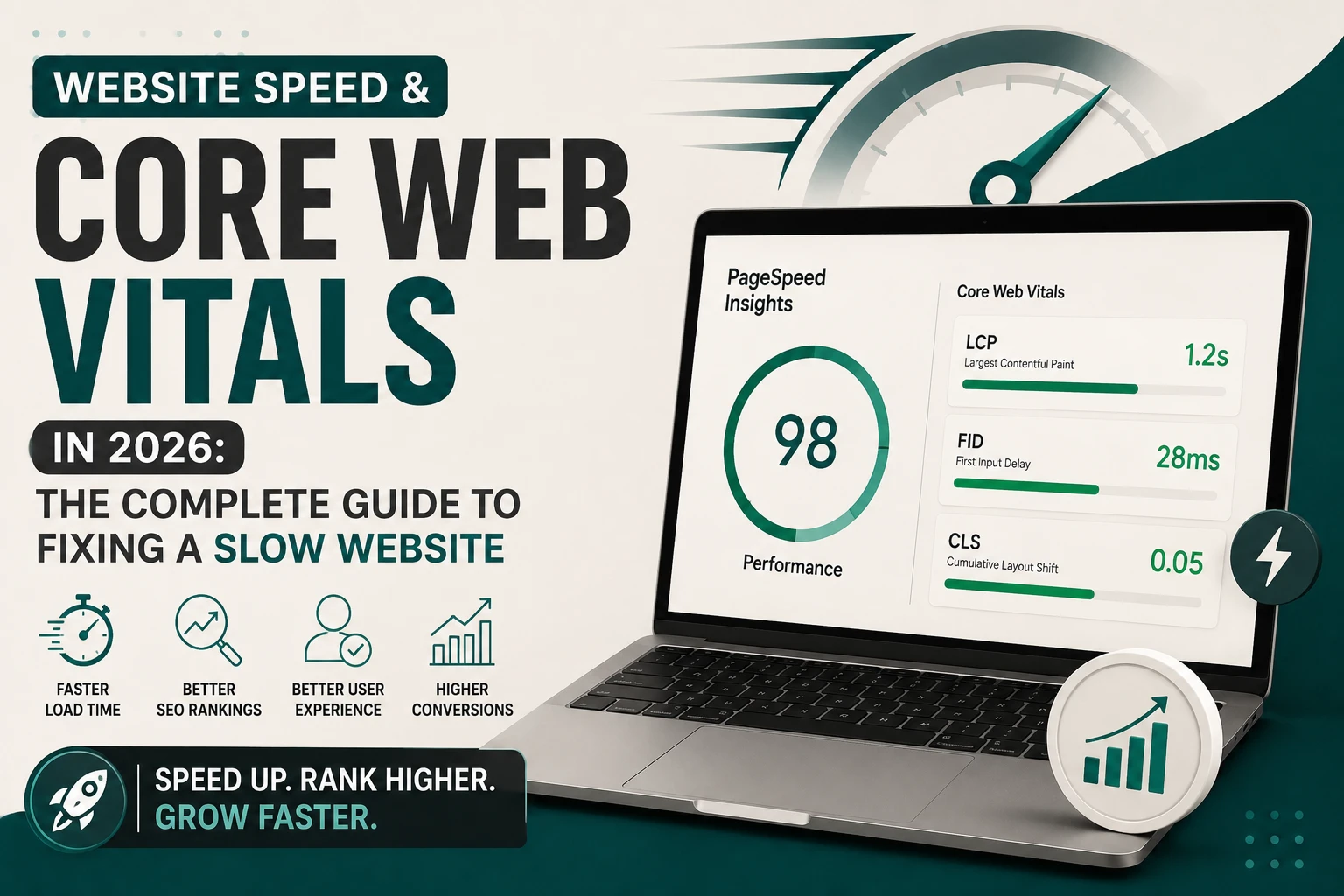
Google measures three main things:
1. Largest Contentful Paint (LCP) — “How fast does the main content appear?” This measures how long it takes for the biggest visible element (usually a hero image or headline) to load. Good: under 2.5 seconds.
2. Interaction to Next Paint (INP) — “How responsive is the site when someone clicks or taps?” This measures the delay between a user’s action (tapping a button, opening a menu) and the page actually responding. Good: under 200 milliseconds.
3. Cumulative Layout Shift (CLS) — “Does the page jump around while loading?” This measures visual stability — like when you’re about to tap a button and an ad loads above it, pushing everything down and you accidentally click the wrong thing. Good: under 0.1.
You can check your own site’s scores for free using <a href=”https://pagespeed.web.dev/” target=”_blank” rel=”noopener noreferrer”>Google PageSpeed Insights</a>, which pulls real Core Web Vitals data directly from Google’s own measurement system where available.
Why This Actually Matters for Your Business (Not Just Rankings)
- Conversions: Studies across ecommerce sites consistently show conversion rate drops sharply for every extra second of load time.
- Bounce rate: Slow pages get abandoned before the content is even read.
- Ad spend efficiency: If you’re running Google or Meta ads to a slow landing page, you’re literally paying for clicks that leave before converting.
- SEO rankings: Confirmed as part of Google’s <a href=”https://web.dev/articles/vitals” target=”_blank” rel=”noopener noreferrer”>page experience ranking signals</a>.
Common Causes of a Slow Website (And How to Fix Each)
1. Unoptimized Images
This is the single biggest culprit on most WordPress and Shopify sites. A 5MB photo straight from a phone camera, uploaded without compression, can single-handedly wreck your load time. Fix: Compress and convert images to modern formats (WebP/AVIF), and always resize images to the actual display dimensions before uploading — not full camera resolution.
2. Too Many Plugins or Apps
Every WordPress plugin or Shopify app adds its own scripts. Ten “nice to have” plugins can quietly add seconds to load time. Fix: Audit and remove anything not actively used. Combine functionality where possible instead of installing a separate plugin for every small feature.
3. Poor Hosting
Cheap shared hosting is often the invisible reason a well-built site still loads slowly, especially under traffic spikes. Fix: Move to hosting optimized for your platform (managed WordPress hosting, or Shopify’s built-in infrastructure, which is already optimized).
4. Render-Blocking Scripts
Third-party scripts (chat widgets, tracking pixels, font loaders) that load before the main content can delay LCP significantly. Fix: Defer or lazy-load non-critical scripts so the visible content loads first.
5. No Caching or CDN
Without caching, your server rebuilds the page from scratch for every visitor. Without a CDN, users far from your server location wait longer for data to travel. Fix: Enable page caching and use a CDN to serve content from a location closer to your visitors.
A Simple Speed Audit You Can Do Today
- Run your homepage and one inner page through <a href=”https://pagespeed.web.dev/” target=”_blank” rel=”noopener noreferrer”>PageSpeed Insights</a> and note your LCP, INP, and CLS scores.
- Cross-check with <a href=”https://gtmetrix.com/” target=”_blank” rel=”noopener noreferrer”>GTmetrix</a> for a second, more detailed breakdown.
- Look at the “opportunities” section both tools give you — they usually point straight to your biggest image or script problems.
- Fix the top 3 flagged issues first; this alone typically recovers most of the available speed.
- Re-test after each major change to confirm improvement.
FAQs
How much does site speed actually affect Google rankings? It’s one of many ranking factors, not the dominant one — but it’s one of the few Google has explicitly confirmed, and it heavily affects conversions regardless of rankings.
Do Core Web Vitals matter for Shopify stores too? Yes, equally. Shopify’s infrastructure is fast by default, but heavy themes, too many apps, and large unoptimized images can still tank your scores.
How often should I check my Core Web Vitals? Ideally monthly, and always after adding new plugins/apps, a redesign, or a big content update.
A slow website quietly costs you customers and rankings every single day it stays that way. If you want a professional speed and technical SEO audit of your website, get in touch with our team — or explore our SEO services and WordPress development work.







4 Comments
[…] Related reading: Website speed and Core Web Vitals guide […]
[…] before they ever see your content, regardless of how good that content is. Our full breakdown of Core Web Vitals and site speed covers exactly why this happens and how it gets […]
[…] slow-loading site — particularly on mobile — actively works against you, as covered in our full Core Web Vitals guide. Beyond the direct ranking impact, a slow site also increases bounce rate, which sends its own […]
[…] a proper audit measures actual load time, not a subjective impression — and, as covered in our Core Web Vitals guide, this single factor affects both user experience and search rankings […]