Loading Article Title...
🍪 We use cookies to make sure you get the sweetest experience on our website — smooth, secure, and perfectly tailored just for you! 💫✨

Web Architect & Digital Strategist at Techno Alig. Passionate about building high-performance websites, e-commerce platforms, and data-driven SEO strategies for growing businesses.
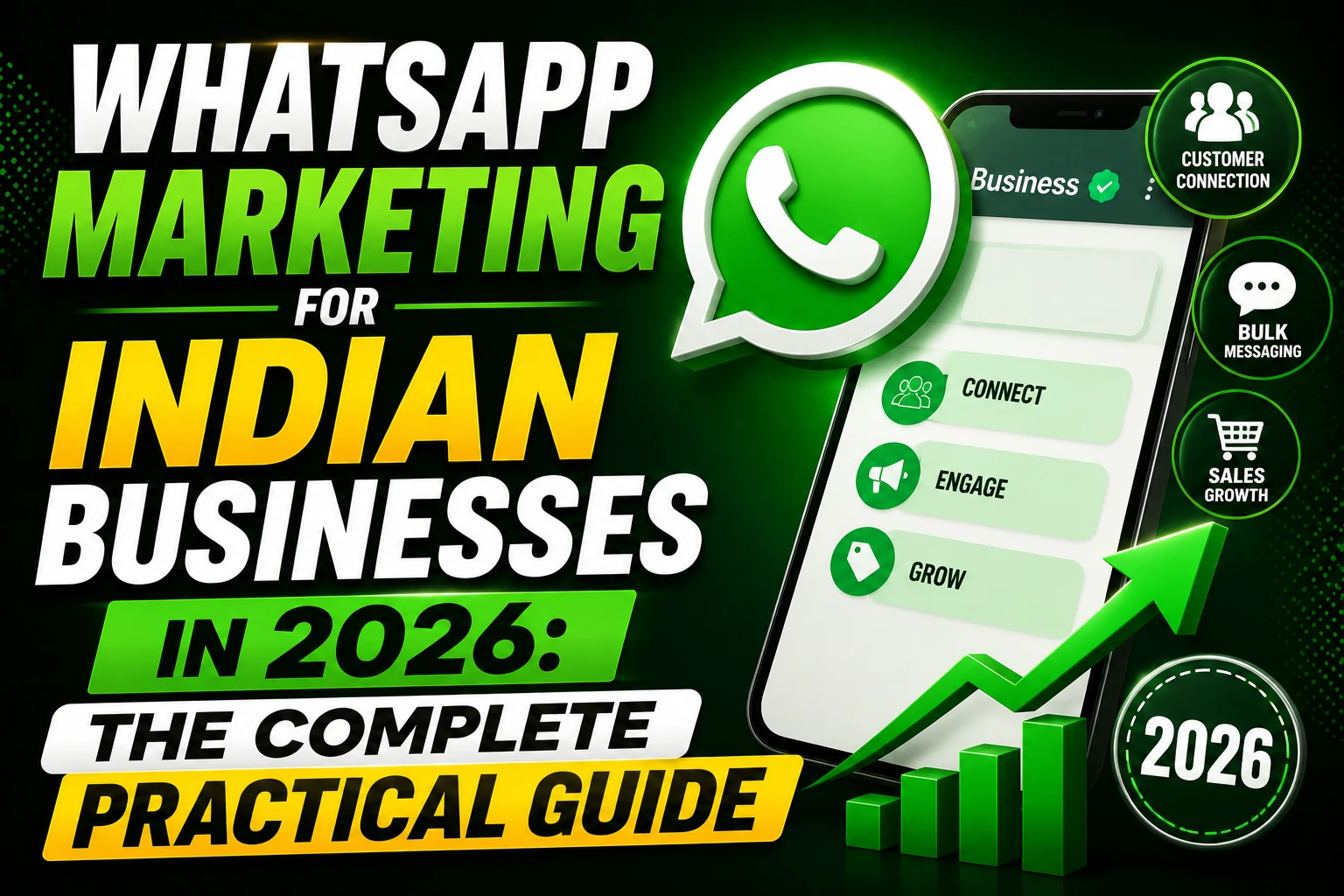
There’s a message going out right now in a WhatsApp group somewhere in Aligarh. It’s from a local saree shop. “Naya collection aa gaya hai — first 20 customers ko 15% off.” By the time the owner finishes their chai, three people have already replied asking for the address.
No advertising spend. No graphic design. No scheduled post. Just a message to people who already know and trust the shop — sent through the app they already have open 40 times a day.
This is WhatsApp marketing in India. And most businesses are barely scratching the surface of what it can do.
WhatsApp has 535 million active users in India — more than any other social media platform, including Instagram, Facebook, and YouTube. But the number alone doesn’t explain why it’s different.
The difference is open rate. Email marketing in India averages 18–22% open rate on a good day. WhatsApp messages average 95%+ open rate. When you send a WhatsApp message, almost every recipient actually reads it — often within minutes.
For businesses in Tier-2 cities like Aligarh, Agra, Meerut, and Kanpur especially, WhatsApp is the channel your customers live on. They forward sale information, share product photos, place orders, ask questions, and send payments — all in WhatsApp. Any business not using it professionally is leaving money on the table every single day.
WhatsApp Business is a free, separate app designed specifically for businesses. It gives you features the regular WhatsApp doesn’t have — and it’s the foundation of everything in this guide.
What WhatsApp Business adds over regular WhatsApp:
Download WhatsApp Business from the Play Store or App Store, and:
This setup takes 30 minutes. It immediately makes you look more professional to every customer who messages you.
A Broadcast List lets you send one message to up to 256 people simultaneously — and each person receives it as a personal, individual message, not as a group chat. This is the most underutilised WhatsApp feature among Indian businesses.
The critical rule: Broadcast messages are only delivered to recipients who have saved your number in their phone. If they haven’t saved you, your broadcast doesn’t reach them. This is why building your list correctly matters.
How to build a quality broadcast list:
What to never do: Buy a list of WhatsApp numbers. It doesn’t work (recipients haven’t saved your number), it violates WhatsApp’s terms, and it gets your number banned.
Most broadcast messages fail because they’re either too salesy, too long, or too formal. WhatsApp is a personal channel — messages that feel like ads get ignored or blocked.
The formula that works:
Opening: Personal, immediate value — “Aaj ke liye ek khaas offer” or “Good morning! Something exciting for our regulars 👋”
Content: Short. Specific. One clear offer or piece of news. No more than 150 words. Bullet points work well.
Visual: One high-quality product photo or a simple graphic. WhatsApp messages with images get 67% higher engagement than text-only.
CTA: One clear action — “Reply YES for details”, “Call/WhatsApp 98XXXXXXXX to order”, or “Click here to see the full collection [link]”
Example for a clothing shop in Aligarh:
🎉 Naya Collection Alert!
Humara Eid Special 2026 collection aa gaya hai: • 50+ new designs • Sizes S to 3XL available • Starting ₹799 only
Pehle 30 customers ko FREE delivery 📦
Order karne ke liye WhatsApp karein ya shop par aayein. Shop: [Address] 📞 Directly reply here!
Direct, specific, personal, with a free delivery hook and a clear action. This gets responses.
WhatsApp Status (the 24-hour disappearing stories, similar to Instagram Stories) is massively underused for business in India. Every contact who has saved your number can see your Status — and unlike broadcasts, they don’t need to have opted in.
What to post on WhatsApp Status:
The key to Status is consistency over quality. A simple, genuine photo posted daily builds more trust than a professionally designed graphic posted once a week.
The fastest way to convert more enquiries into sales is to respond faster. WhatsApp’s read receipts and typing indicators create an expectation of quick response — and businesses that respond within 10 minutes see significantly higher conversion rates than those that respond within an hour.
Set up these auto-replies in WhatsApp Business:
Greeting message (sent when someone messages for the first time):
“Namaste! 🙏 Aapka Techno Alig mein swagat hai. Hum aapki kaise madad kar sakte hain? Aap apna project details share karein — hum 1 ghante mein reply karenge. Office hours: Mon–Sat 9am–7pm.”
Away message (sent outside business hours):
“Shukriya message karne ke liye! Our office is currently closed. We’ll reply first thing tomorrow morning. For urgent queries, please WhatsApp us your requirement and we’ll get back to you.”
These take 5 minutes to set up and immediately professionalise your customer service without any cost.
WhatsApp Business Catalogue is a free feature that lets you list your products or services with photos, descriptions, prices, and product codes — directly inside WhatsApp.
When a customer asks “what do you have available?”, instead of sending 15 separate photos, you can share a link to your Catalogue in one tap. They browse, see exactly what’s available, and come back with a specific order.
Setting up your Catalogue:
Once set up, share your Catalogue link in your first message to every new customer and in your broadcast messages. It reduces back-and-forth and speeds up the sales conversation.
WhatsApp Business App handles up to 256 broadcast recipients and requires manual sending. When your business grows beyond this, the WhatsApp Business API (accessed through approved partners) unlocks:
The API requires a business verification process and costs money through your chosen platform (WATI, Interakt, AiSensy are popular India-based WhatsApp API providers, starting from ₹1,500–₹3,000/month).
For most small businesses in Aligarh and similar cities, the free WhatsApp Business App is sufficient for 1–2 years of growth. Plan for the API upgrade when your broadcast list exceeds 500 contacts or you’re processing significant order volume through WhatsApp.
Every website Techno Alig builds includes a floating WhatsApp click-to-chat button as standard. When a visitor taps it on mobile, it opens a direct WhatsApp conversation with your business — pre-filled with a starter message.
This single feature consistently improves enquiry conversion rates for Indian business websites. Contact us to add it to your site →
For businesses wanting a complete digital marketing strategy that integrates WhatsApp with your website, SEO, and social media — we handle the full picture.
Is WhatsApp marketing free in India? WhatsApp Business app is completely free. Broadcast lists, auto-replies, Catalogue, quick replies, and Status posts are all free features. WhatsApp Business API (for large-scale automation) has costs starting from approximately ₹1,500–₹3,000/month through third-party providers. For most Indian small businesses, the free WhatsApp Business app is sufficient.
How many contacts can I broadcast to on WhatsApp? WhatsApp Business app allows broadcast lists of up to 256 contacts per list. You can create multiple broadcast lists. Messages are only delivered to contacts who have saved your number. For unlimited broadcasts and automation, WhatsApp Business API is required.
Can WhatsApp messages be used for advertising in India? WhatsApp prohibits bulk unsolicited messages. Effective WhatsApp marketing in India is based on opt-in contacts — people who have saved your number or explicitly asked to receive updates. This is not a limitation but an advantage: your WhatsApp audience is genuinely interested, which is why open rates are so high.
What is the best time to send WhatsApp broadcasts to Indian customers? Based on Indian usage patterns, the highest engagement times for WhatsApp broadcasts are: 8–9 AM (morning commute), 12–1 PM (lunch break), and 8–10 PM (evening). Avoid sending between 11 PM and 7 AM. Test your specific audience by sending at two different times and comparing response rates.
How do I get a green tick verified badge on WhatsApp Business? The green tick (Official Business Account) on WhatsApp requires: applying through WhatsApp Business API, being a notable brand with significant online presence, and Meta’s approval. It’s not available to all businesses. For most Indian SMEs, the standard WhatsApp Business account is sufficient and still professional.

If you’re looking for a reliable Web Developer in Aligarh, look no further than Techno Alig. Contact us today to discuss your project and take the first step towards establishing a powerful online presence.

No spam, notifications only about new offers, services.
chat_bubble_outline Leave a Reply