Loading Article Title...

🍪 We use cookies to make sure you get the sweetest experience on our website — smooth, secure, and perfectly tailored just for you! 💫✨

Web Architect & Digital Strategist at Techno Alig. Passionate about building high-performance websites, e-commerce platforms, and data-driven SEO strategies for growing businesses.
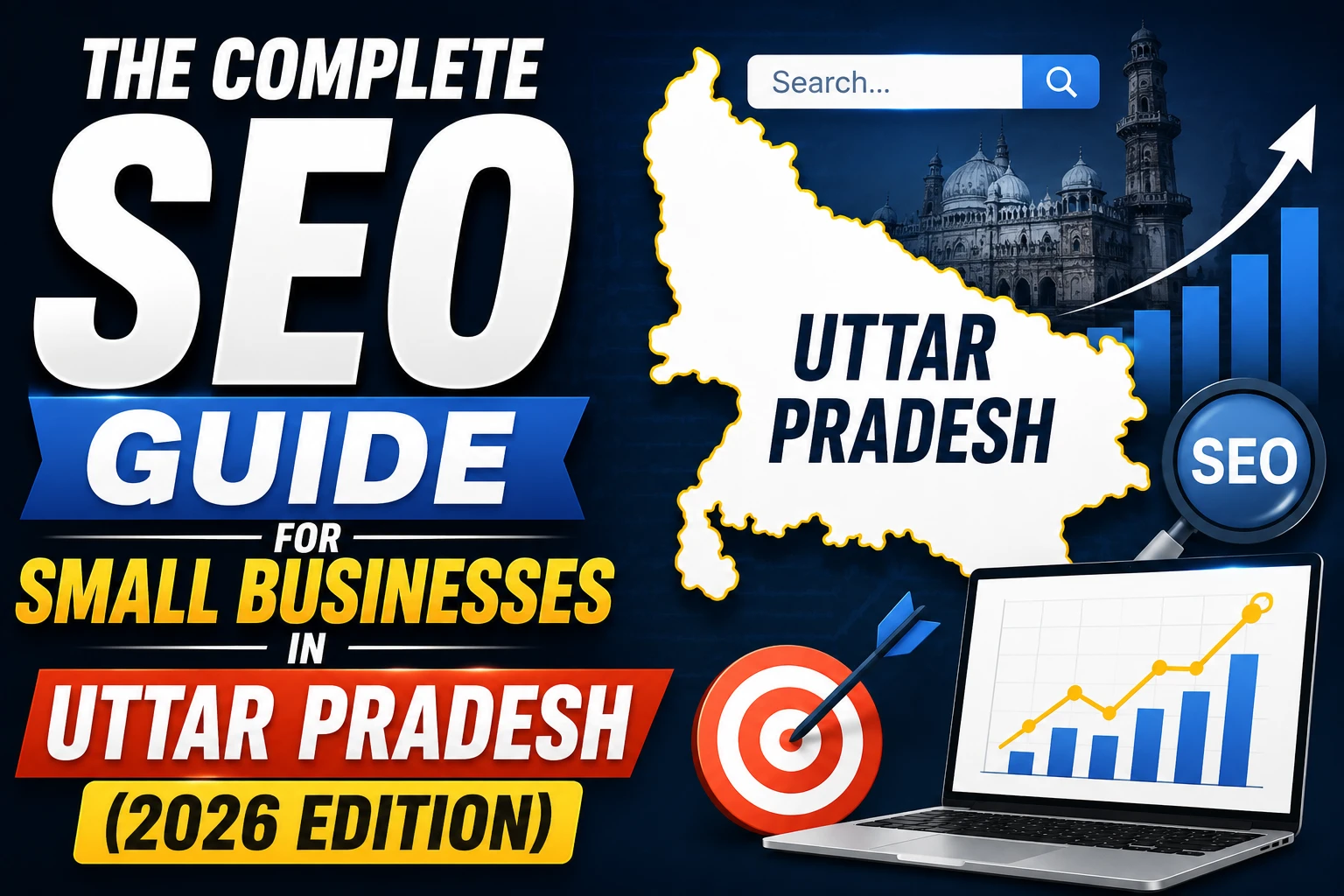
If you run a business in Aligarh, Agra, Meerut, Lucknow, or anywhere across Uttar Pradesh, here’s something worth knowing: the competition for local Google search results in most UP cities is significantly lower than in Delhi or Mumbai.
That means the opportunity is bigger than you probably think.
A business in Aligarh that does even basic SEO correctly can reach the first page of Google for valuable local search terms within 2–4 months. The same effort in a saturated market like South Delhi would take 12–18 months to see comparable results.
This guide is your complete, step-by-step roadmap. No jargon. Just what you need to do — in order — to get your UP business found on Google.
SEO stands for Search Engine Optimisation. It’s the process of improving your website and online presence so that when someone searches for your type of business on Google, you show up — ideally in the top 3 results.
Why does it matter?
Because 90% of people searching for a local business click on the first page of Google. Page 2 results get less than 1% of clicks. If you’re not on page 1, you’re essentially invisible for that search.
And here’s the compelling part: unlike paid advertising, SEO traffic is free. Once your business ranks, you receive enquiries without paying per click, every single day, as long as your ranking holds.
For a business in Aligarh or Agra where your customers are searching for “hardware store Aligarh” or “CA near me Agra” — a first-page ranking is the closest thing to a free, permanent advertising placement that exists in 2026.
This is the single most impactful step for any local business in UP. It’s free, takes about an hour, and directly influences where you appear in Google Maps and the “local pack” (the 3 business results shown at the top of Google for local searches).
Go to business.google.com and:
Target: 20+ reviews with an average rating of 4.3+ within 6 months.
If you don’t have a website yet, this is your second most urgent task. Google Business Profile + a quality website together are far more powerful than either alone. Read our guide on why your Aligarh business needs a website for the full case.
If you have a website, check these essentials:
Every page on your website has a “title tag” — the headline that appears in the browser tab and in Google search results. This is prime SEO real estate.
Wrong: “Home | My Business” Right: “Hardware Store in Aligarh | Quality Tools & Supplies | ABC Hardware”
Your title tag should include:
Every page needs its own unique, specific title tag. If your pages all have the same title or generic titles, you’re missing rankings.
The meta description is the 2-line text shown under your title in Google results. It doesn’t directly affect ranking but it determines whether someone clicks your listing or scrolls past.
Write meta descriptions that:
Your website content should mention your location naturally and frequently. Not forced repetition — natural references like “our Aligarh workshop,” “serving customers across Uttar Pradesh,” “clients from Agra to Meerut.”
Google needs these signals to confidently rank you for location-based searches.
Google Search Console is a free tool from Google that shows you:
Setup takes 10 minutes:
Once set up, check it monthly. It will tell you exactly what’s working and what’s not.
This is where many UP businesses get it wrong. They try to rank for huge, competitive terms (“web developer India”) when specific local terms (“web developer Aligarh”) have less competition, more relevant traffic, and are far easier to rank for.
Free keyword research tools to use:
Google Autocomplete: Type your service into Google and look at the suggestions that appear. “Plumber Al…” → “Plumber Aligarh,” “Plumber Aligarh rate,” “Plumber Aligarh contact number.” These are real searches people are making.
Google’s “People Also Ask” box: The expandable questions in Google search results show you exactly what your potential customers want to know. Each of these is a blog article opportunity.
Google Trends India: Shows whether a search term is growing, declining, or seasonal. Invaluable for businesses with seasonal demand.
The Keywords to Target for a UP Business:
| Type | Example | Competition | Priority |
| Local service | “carpenter Aligarh” | Low | High |
| Service + area | “coaching centre Civil Lines Aligarh” | Very Low | Very High |
| Comparison query | “best CA in Aligarh” | Low | High |
| Cost query | “website banana cost Aligarh” | Very Low | High |
| Near me | “hardware store near me” | Varies | High |
Focus on 5–10 specific, local keywords first. Rank for these, then expand.
Once you’ve identified what your customers are searching for, create dedicated pages and blog posts that answer those questions thoroughly.
For a business in Aligarh, this might mean:
Each piece of content should be:
Google ranks websites higher when other legitimate websites link to them. For a UP local business, the most valuable links come from:
Slow websites rank lower on Google. This is not negotiable in 2026.
Test your website at Google PageSpeed Insights. Enter your website URL and review your mobile score.
If your mobile score is below 50, priority fixes:
Most Indian websites have room for significant speed improvement. This alone can lift your rankings noticeably within 4–6 weeks.
| Week | Action |
| Week 1 | Set up and complete Google Business Profile, collect first 5 reviews |
| Week 2 | Fix title tags and meta descriptions on all website pages |
| Week 3 | Set up Google Search Console, submit sitemap |
| Week 4 | Research 10 target keywords, write first blog post |
| Month 2 | Write 2 more blog posts, fix website speed issues, build 5 directory listings |
| Month 3 | Collect 10+ more Google reviews, review Search Console for new keyword opportunities, write 2 more posts |
By the end of 90 days, a UP business following this plan will be seeing consistent organic traffic growth and measurable improvements in local search rankings.
DIY SEO works for the foundations. But there’s a ceiling — and to break through it, you need professional help.
Hire an SEO agency when:
Techno Alig’s SEO services cover everything in this guide and significantly more. We start with a free audit so you know exactly where you stand.
How long does SEO take to work for a business in Aligarh? For local terms in Aligarh with low competition, you can see meaningful ranking improvements in 2–4 months. Broader UP or national terms take 6–12 months. Consistency is the key variable.
Is SEO free? The foundational steps (Google Business Profile, Search Console, content creation) cost nothing except your time. Professional SEO services have a monthly cost but deliver far faster and more comprehensive results.
What is the most important SEO factor for local businesses in UP? Google Business Profile optimisation is the single highest-impact action for most local businesses. A fully completed GBP with recent reviews and photos can rank your business in Google Maps within 4–8 weeks.
Can I do SEO myself for my business in Aligarh? Yes, the basics are very DIY-friendly. Setting up GBP, getting reviews, fixing title tags, and creating local content are all manageable without technical expertise. Technical SEO and link building benefit from professional help.
How do I rank for “near me” searches in Aligarh? “Near me” searches are handled by Google’s local algorithm. The key factors are: a verified and complete Google Business Profile with your accurate address, consistent NAP across all directories, positive reviews, and a website that mentions your location clearly.

If you’re looking for a reliable Web Developer in Aligarh, look no further than Techno Alig. Contact us today to discuss your project and take the first step towards establishing a powerful online presence.

No spam, notifications only about new offers, services.
chat_bubble_outline Leave a Reply